No Wait.
Just in Time.
InTimeQ lets you join any line from your couch, and walk in exactly when it’s your turn.

Point your phone’s camera at this to try the demo.
You’ve waited in every one of these.
-
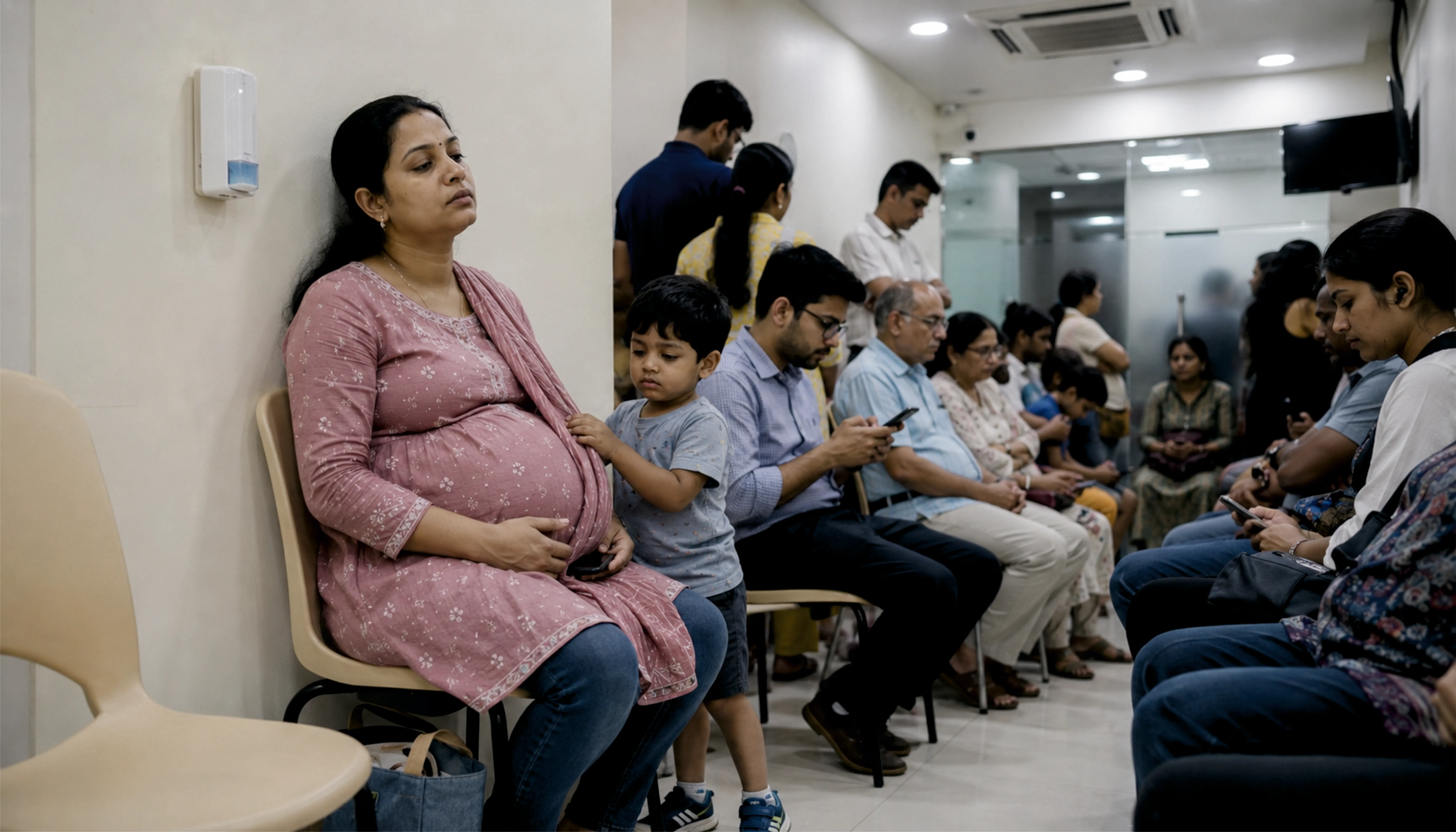
At the doctor
“Three hours. Hard chair. Your toddler wants water.”
-
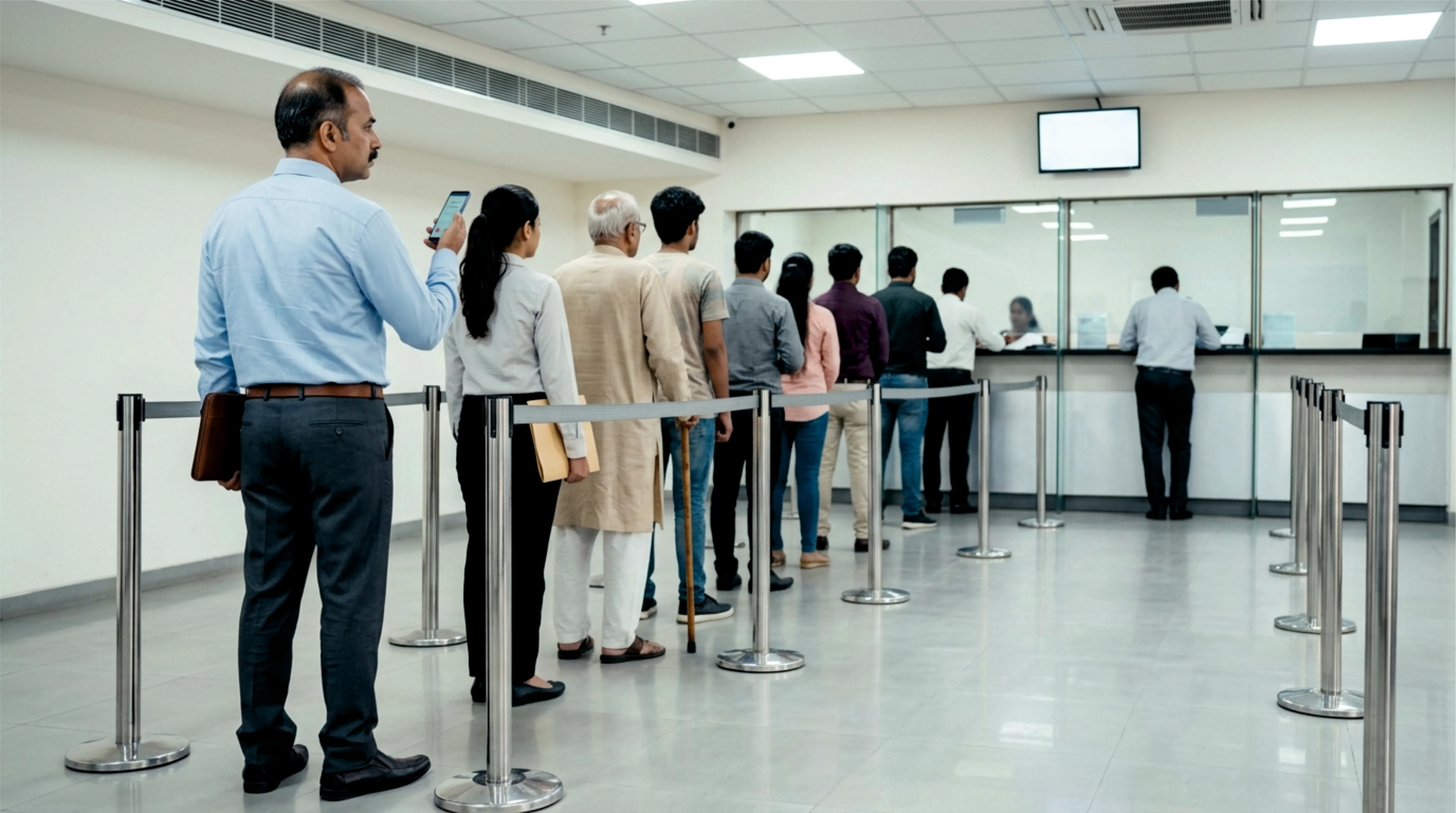
At the bank
“₹2 lakh to withdraw. 47 tokens ahead of you.”
-
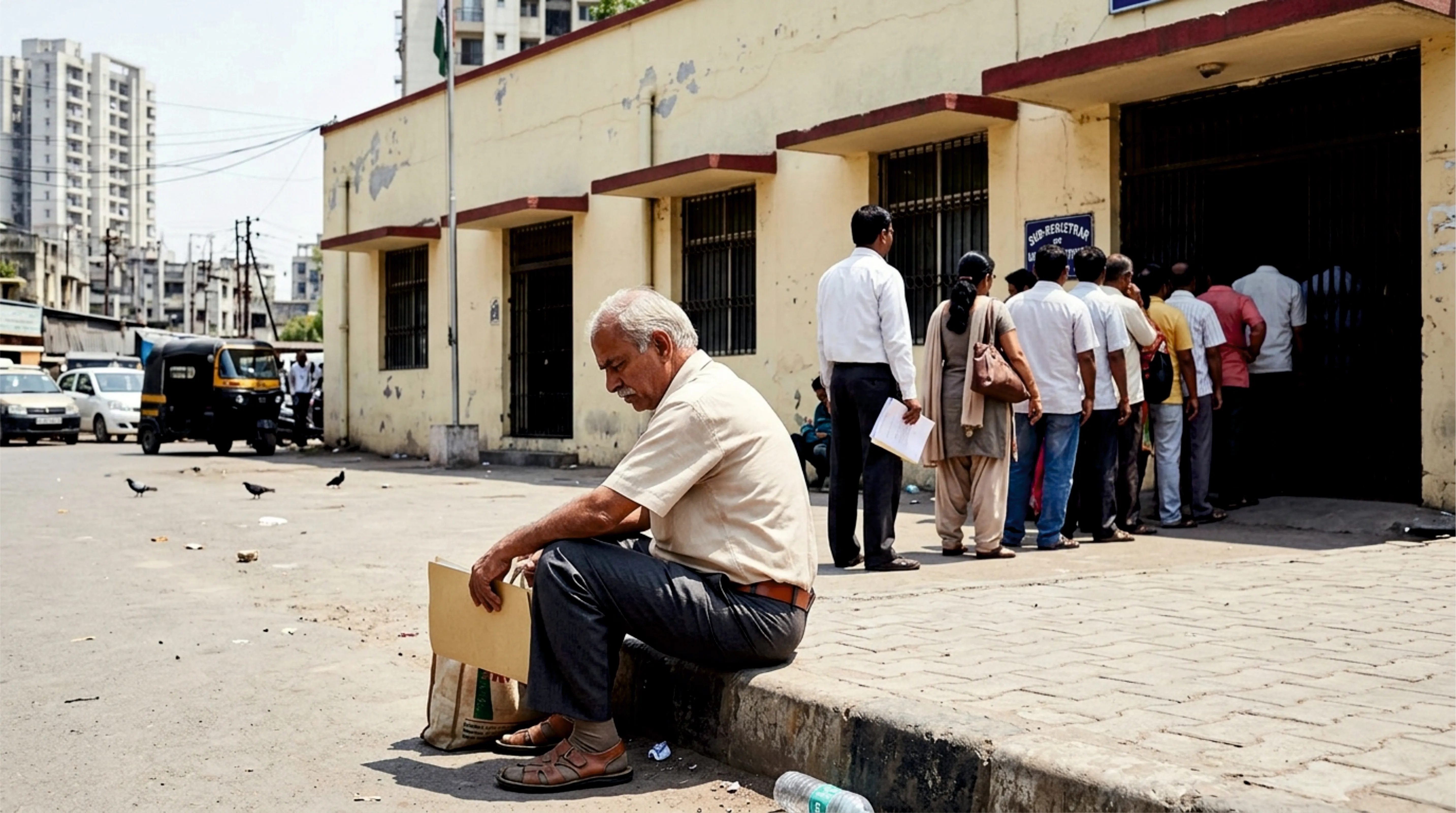
At a government counter
“You took a day off. The line started before you did.”
-
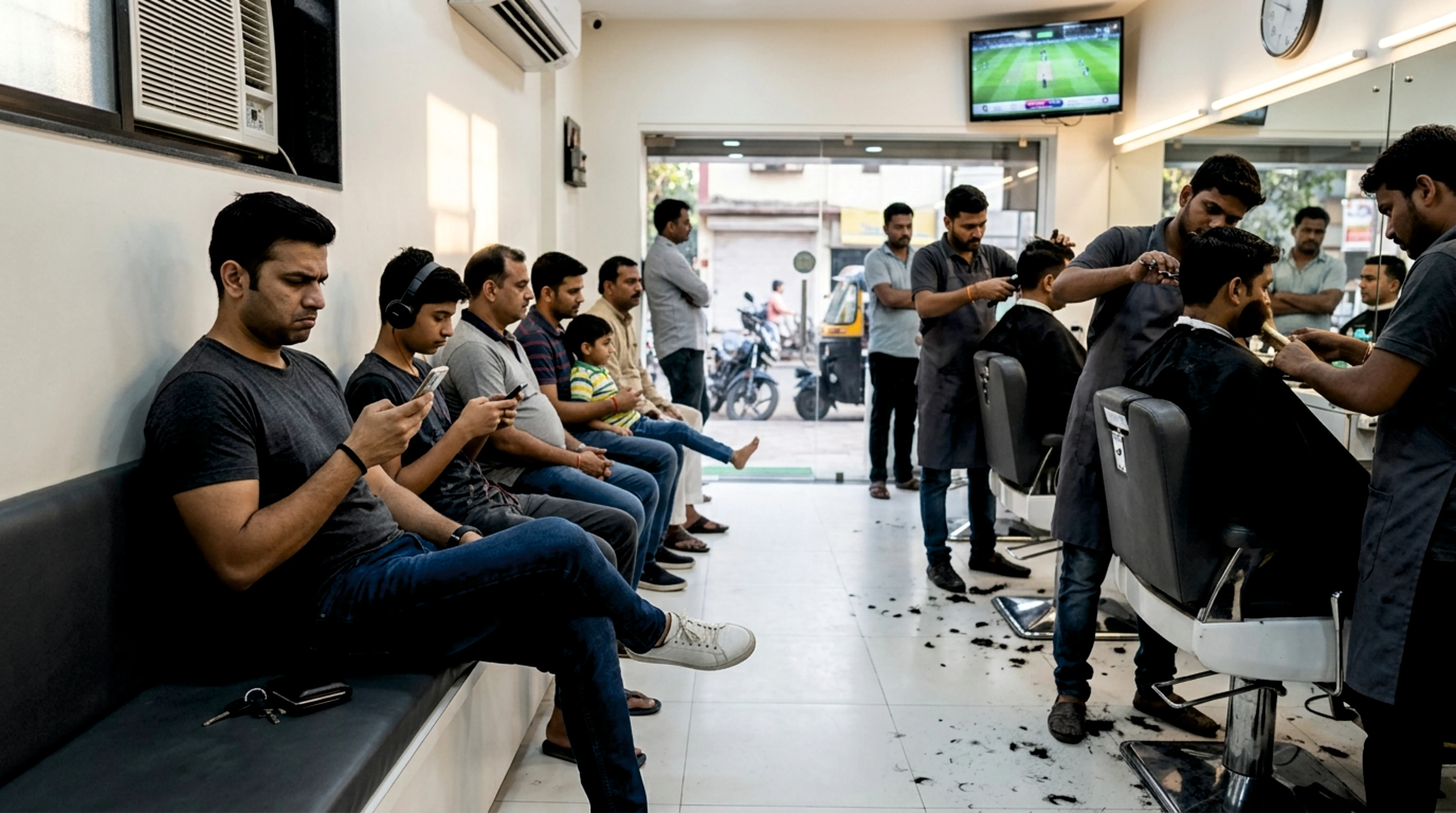
At the salon
“Three chairs. Twenty-one heads waiting. Your match starts at four.”
-
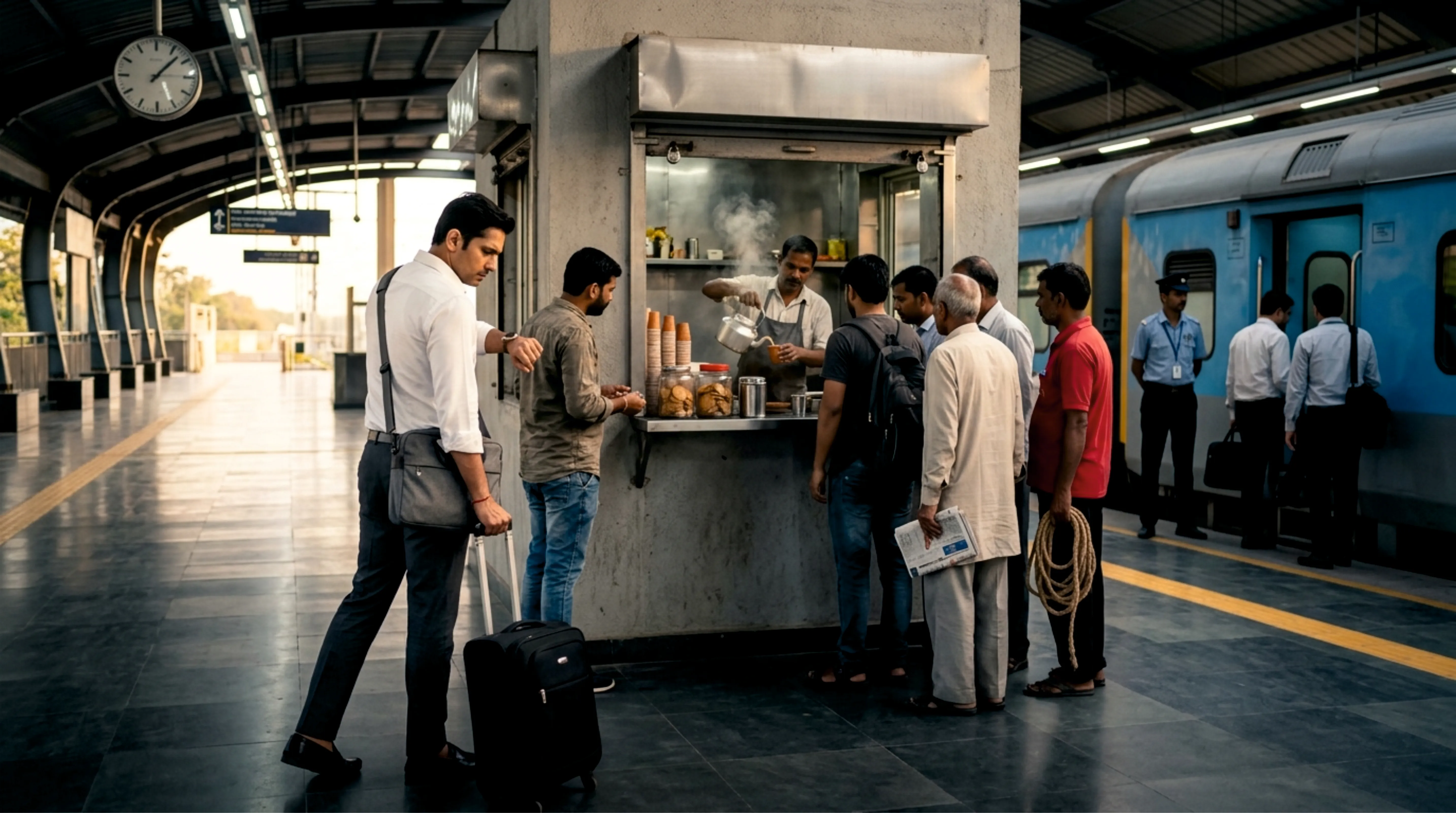
At the chai stall
“Your train in twelve minutes. The kettle boils for everyone.”
-
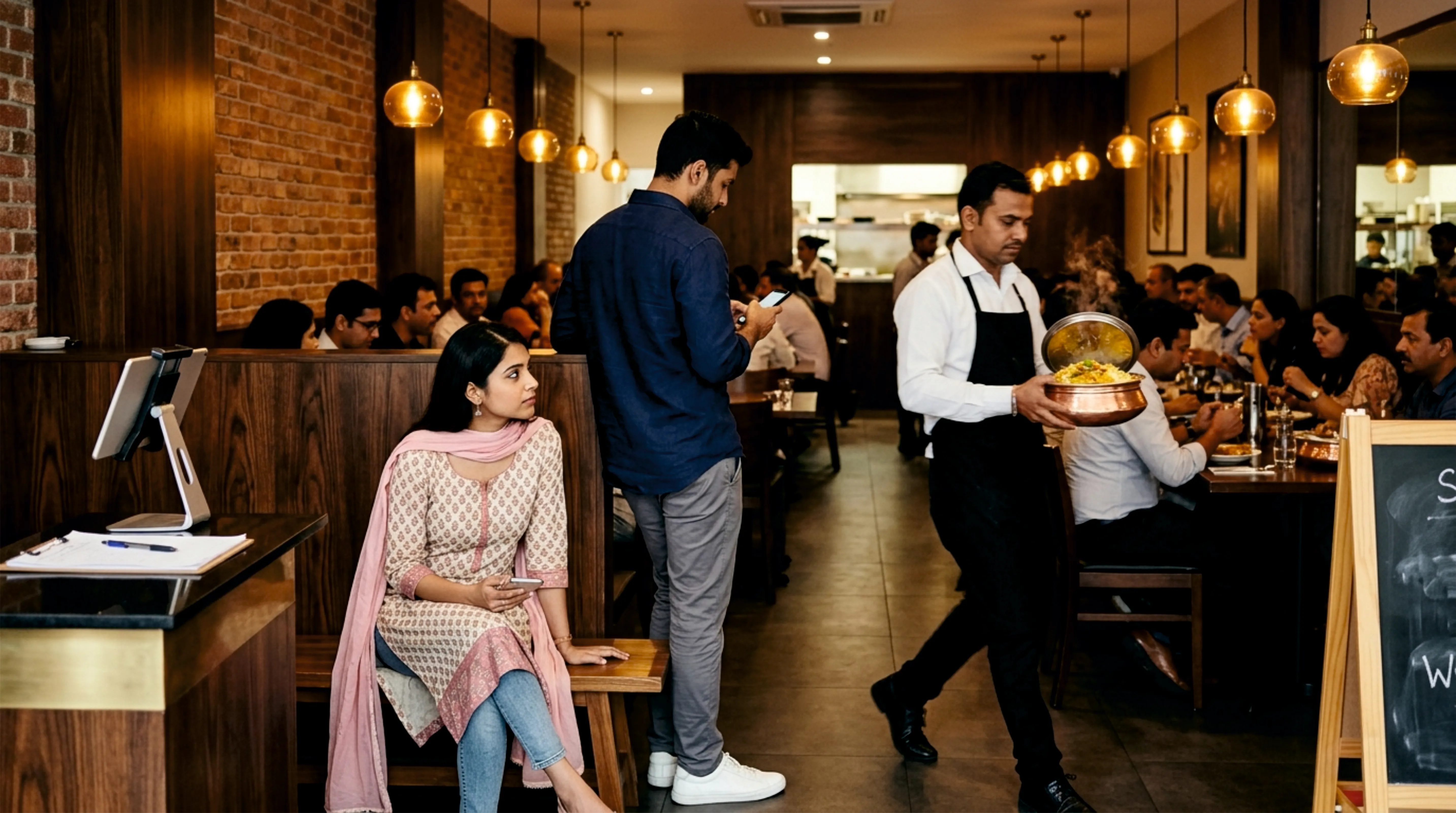
At the restaurant
“Sunday. One-fifteen p.m. The menu arrived with the apology.”
Every one of these has a queue. And dozens more you haven’t thought of — school fee counters, interview rooms, ration shops, passport appointments, vehicle registration. None of them has to have people standing in a line.
It’s as simple as a UPI scan.
-
Scan.
Every InTimeQ place has a QR. Point your camera. Tap the link. You're in the queue.
-
Go live your life.
Tea, phone, kids, office. We'll ping you when you're three ahead.
-
Walk in. You're called.
Show your token. You're served. You're done.
Install InTimeQ once. Use it at every InTimeQ place, forever.
You run the place.
You watch your customers walk out.
From zero to open queue in 60 seconds.
- Enter your phone number.
- Enter the OTP.
- Tap “Start my queue”.
- Print the QR (or just stick up your phone).
You’ll have a queue before your next customer asks how long.
- Your customers install InTimeQ once (Android or iOS) — and every future visit to any InTimeQ place is one scan.
- You can add walk-ins who don’t have a phone.
- No hardware, no card, no lock-in.
Track your customer service performance.
Once you run a InTimeQ place, you get a dashboard for the queue you didn’t have before. The numbers below are simulated — an imagined three-branch hospital chain — but the screens are identical to what every InTimeQ org sees today. How each number is calculated →
-
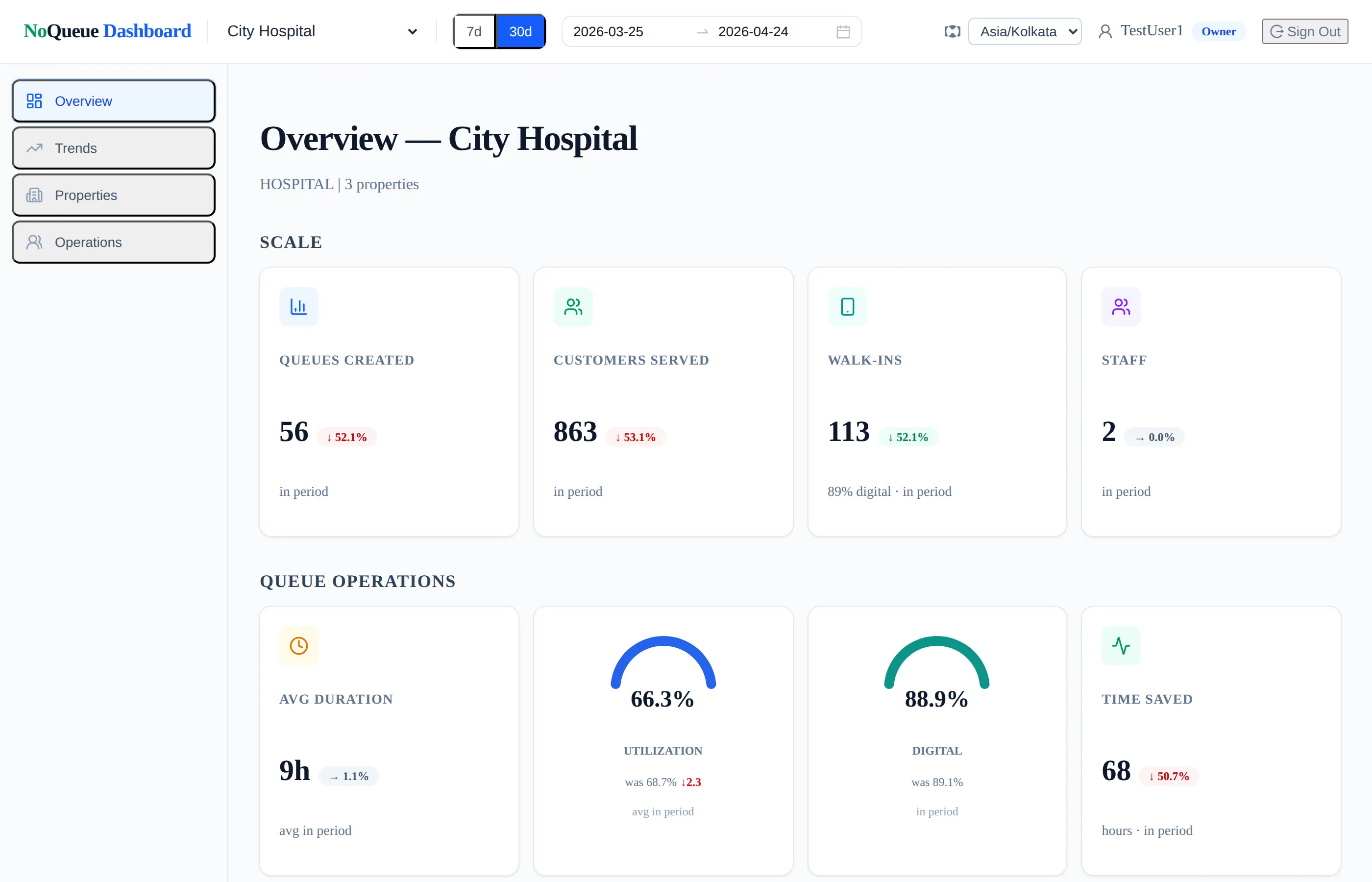
Your month at a glance The headline numbers: how many queues you ran, how many people you served, how much time you gave back. -
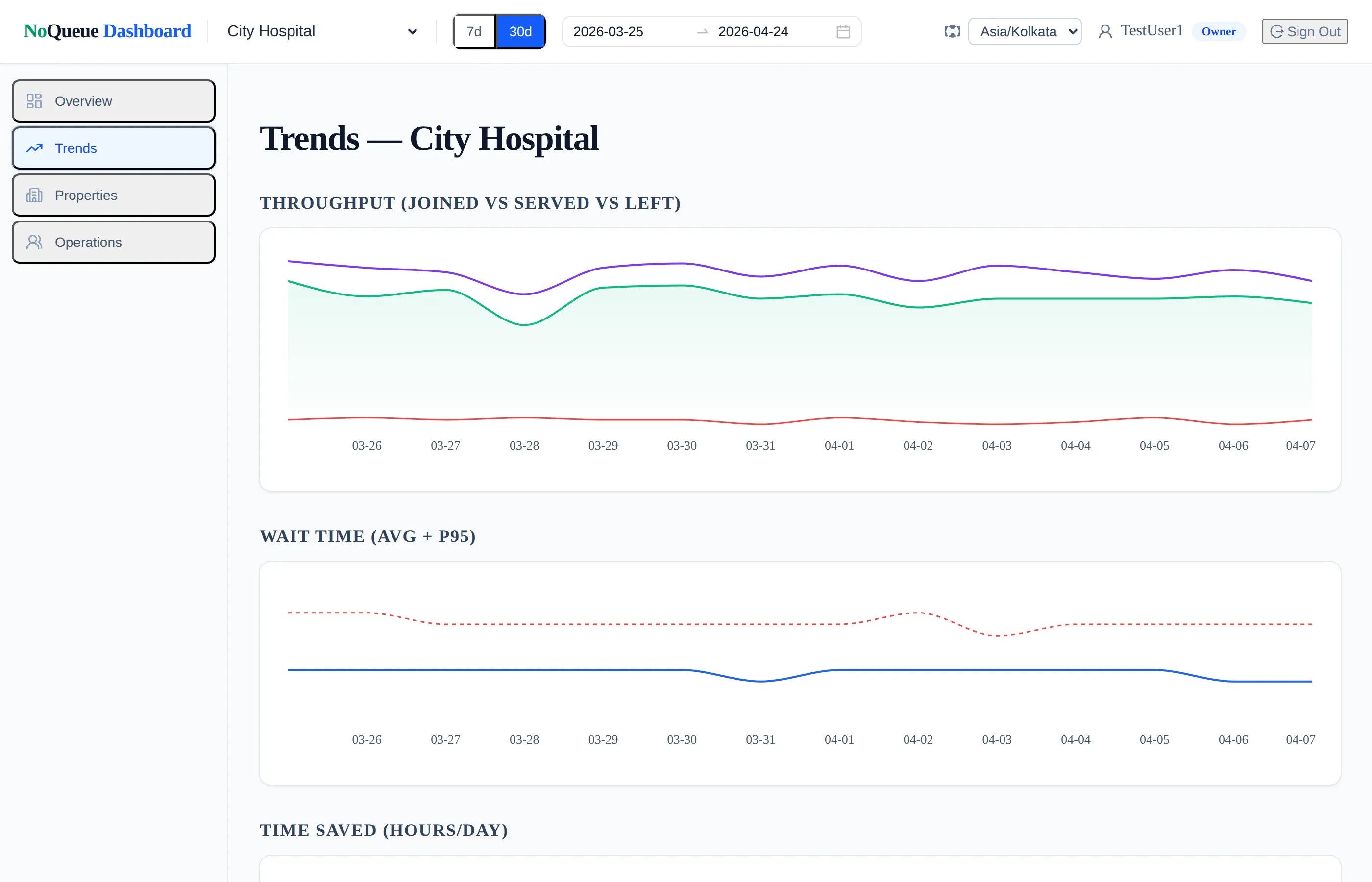
Trends over time Daily and weekly patterns in throughput, wait time, and time saved — over any date range you pick. -
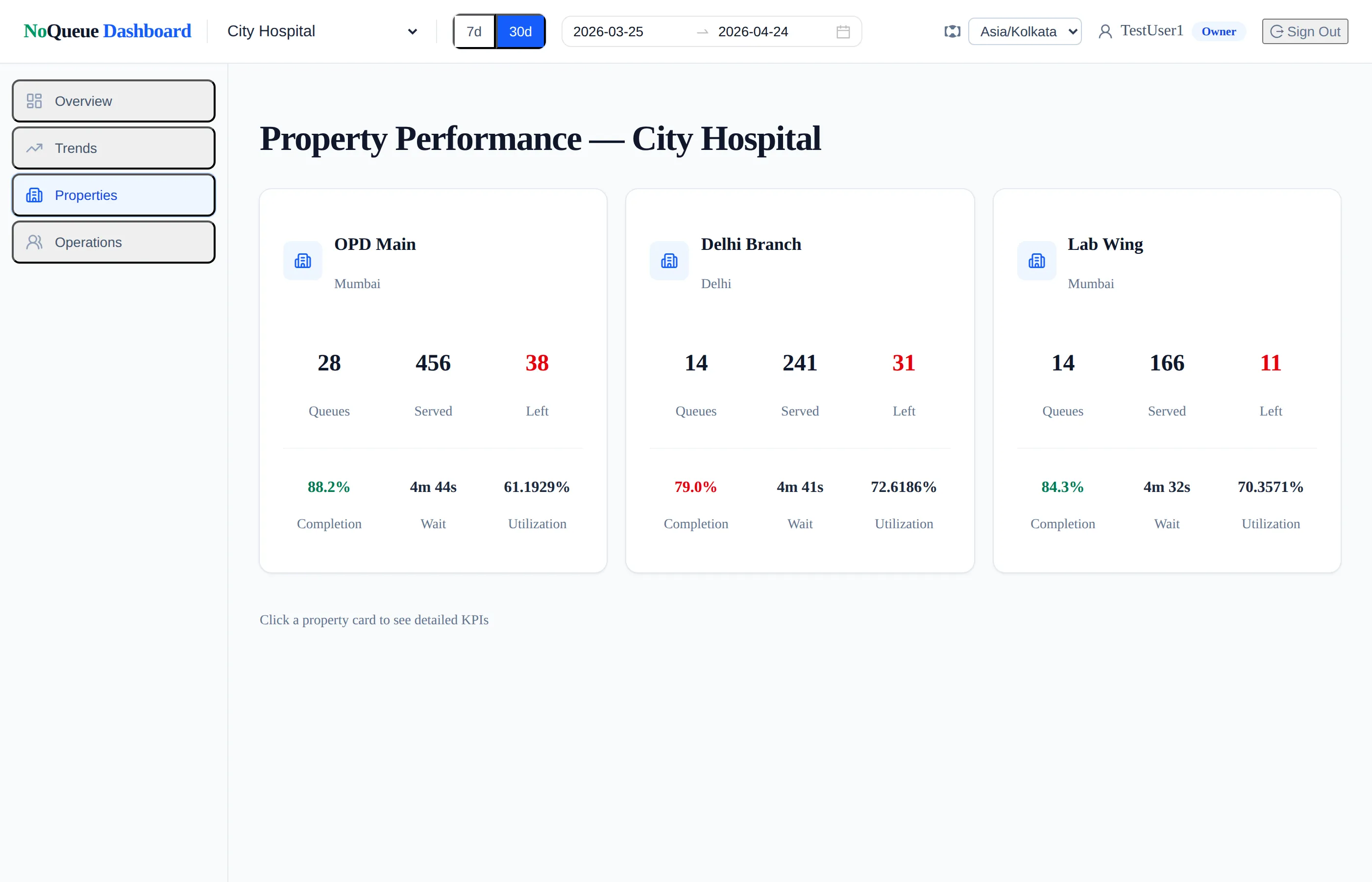
Every property, side-by-side Compare your branches the way a chain owner would. Spot the outlier before your customers do. -
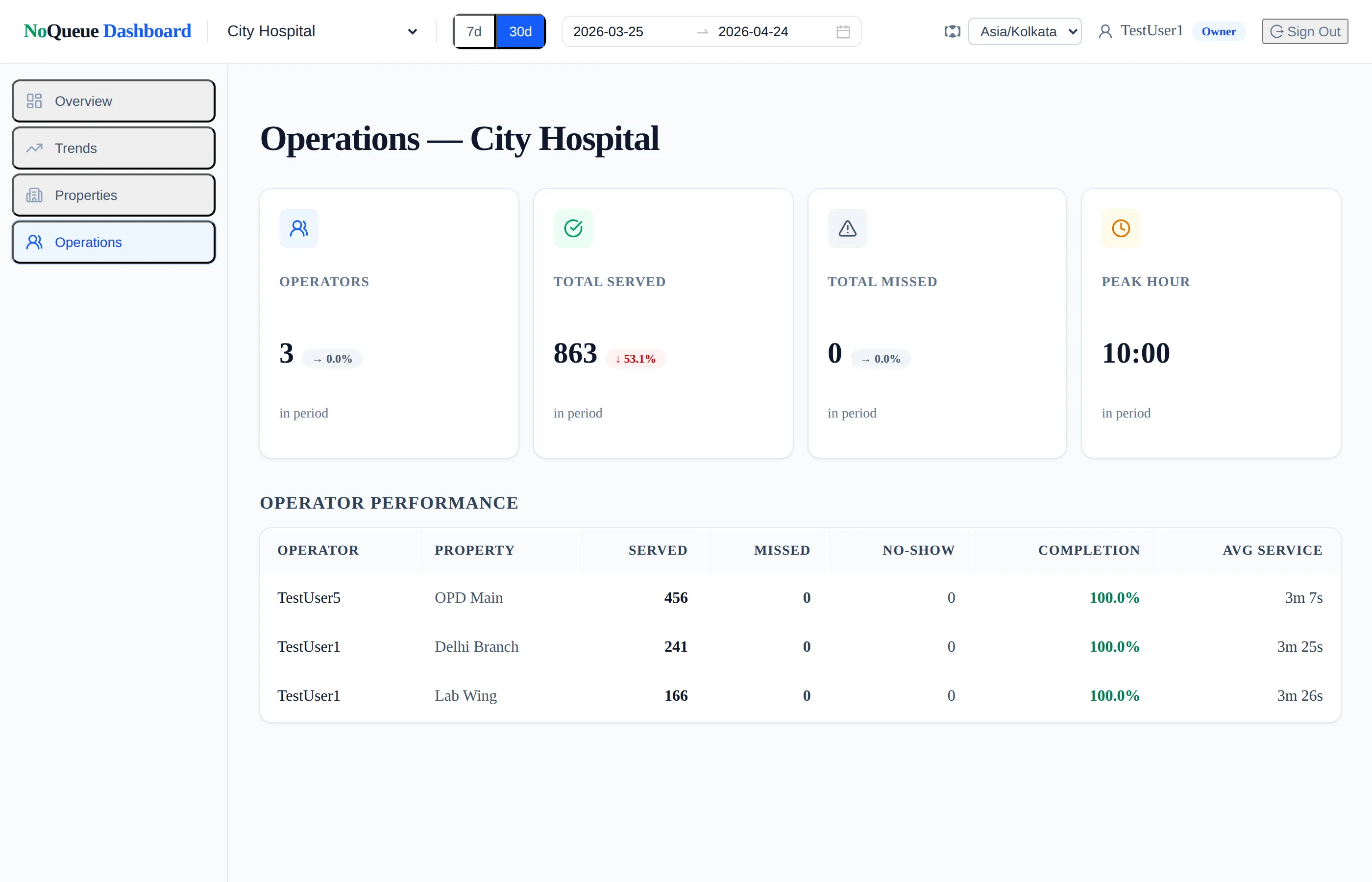
How each staff member’s day went A daily summary per staff member so you see how the counter ran without reading a dozen screens.
These are sample screens with simulated data. Your dashboard shows your real queues, your real customers, your real numbers — computed the same way.
Why we built InTimeQ
Vision
A world where no one loses productive time to a queue.
Mission
We turn every waiting line — in hospitals, banks, salons, restaurants, government offices, and the tea stall on the corner — into a digital queue you can join from anywhere, so you arrive exactly when your turn is near and the business never loses a customer to the wait.