Ready to try it?
Scan the QR to use the demo from a second phone, or tap “Join the demo queue” below to experience it right here. The flow completes in under a minute.

Our demo queue — try it right now
Tap to join. You’ll get a token, watch your position count down, and a “your turn is next” notification when you’re at the front. It takes under a minute.
It’s as simple as a UPI scan.
-
Scan.
Every InTimeQ place has a QR. Point your camera. Tap the link. You're in the queue.
-
Go live your life.
Tea, phone, kids, office. We'll ping you when you're three ahead.
-
Walk in. You're called.
Show your token. You're served. You're done.
Install InTimeQ once. Use it at every InTimeQ place, forever.
You’ve waited in every one of these.
-
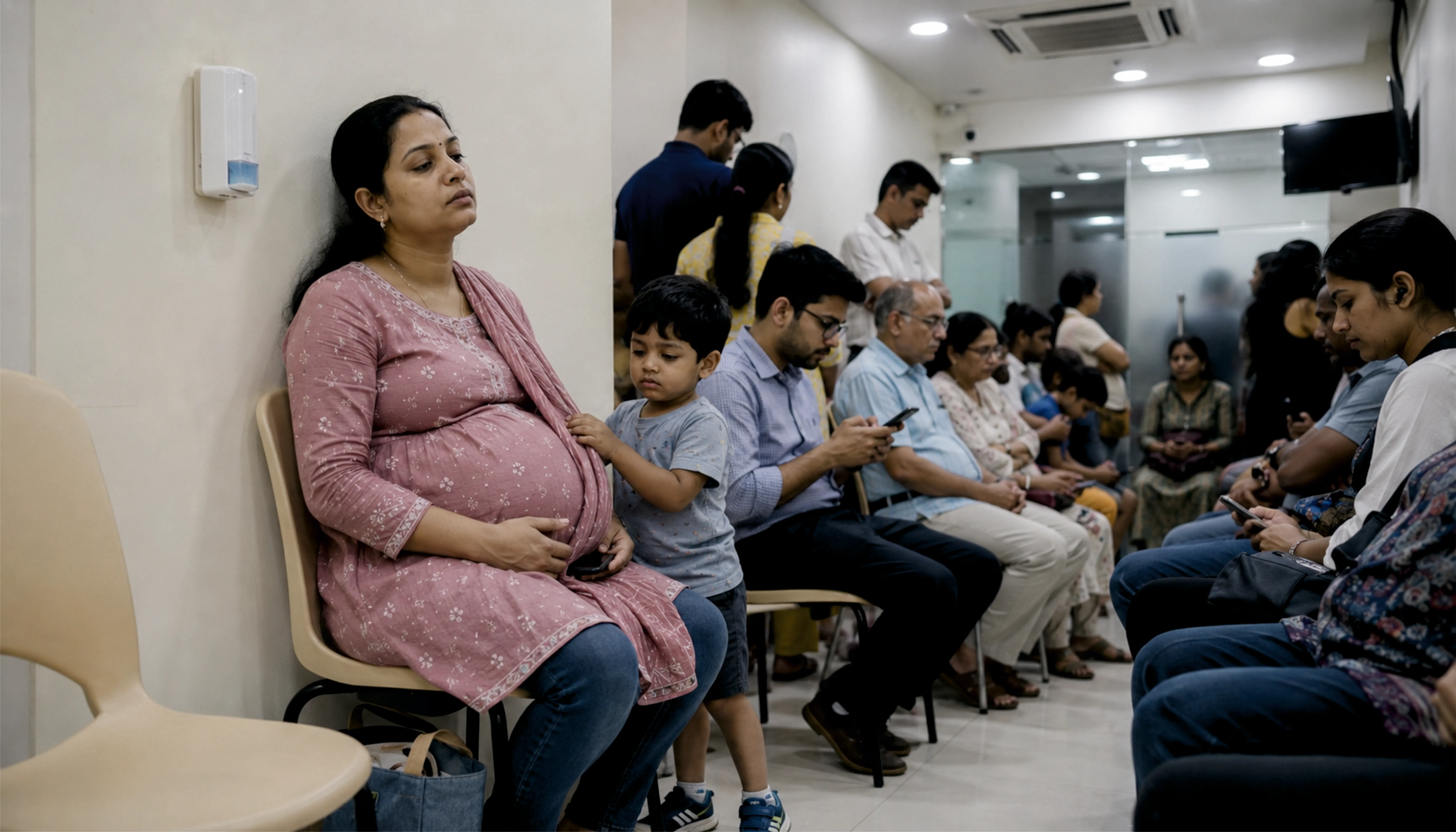
At the doctor
“Three hours. Hard chair. Your toddler wants water.”
-
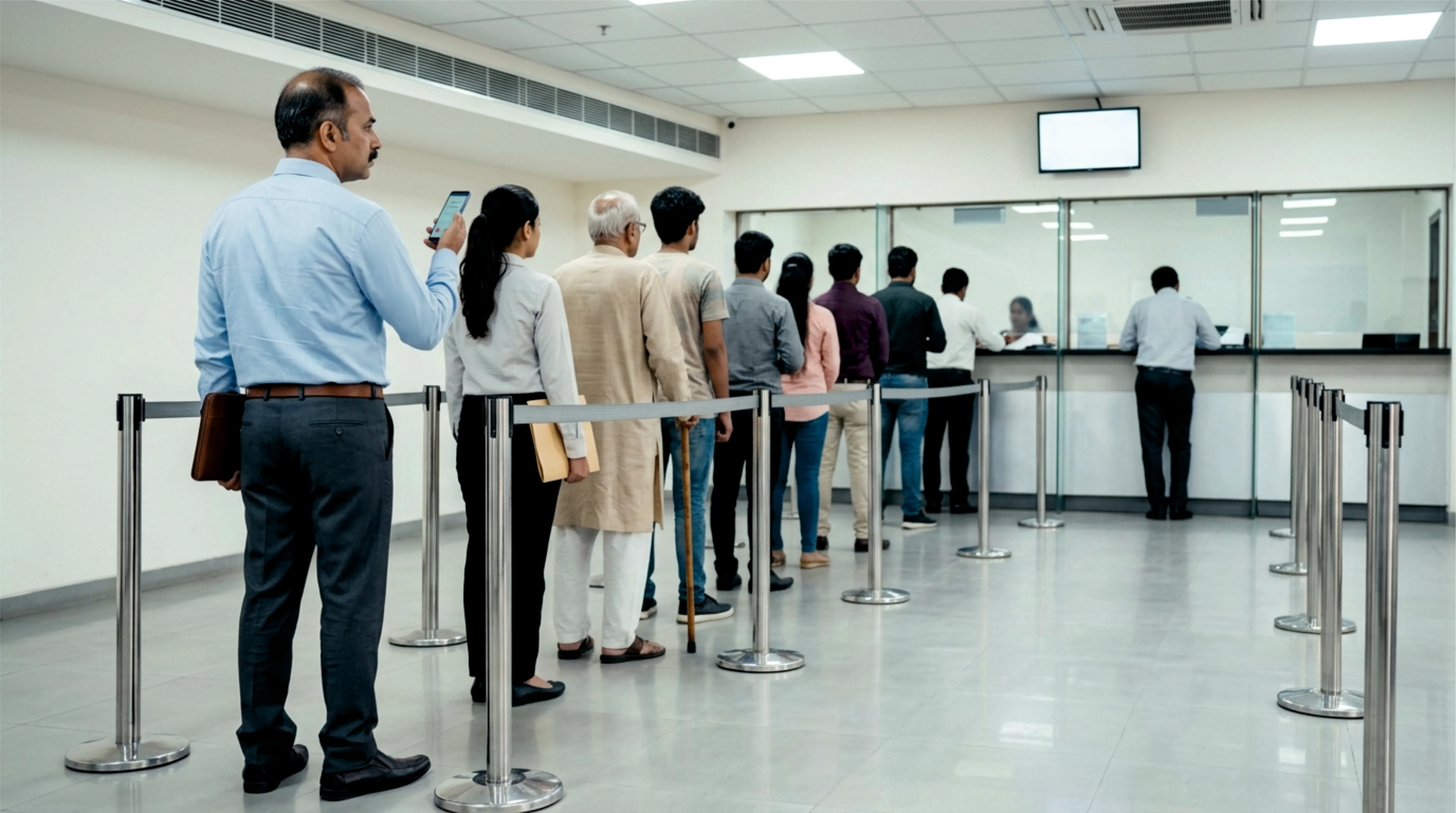
At the bank
“₹2 lakh to withdraw. 47 tokens ahead of you.”
-
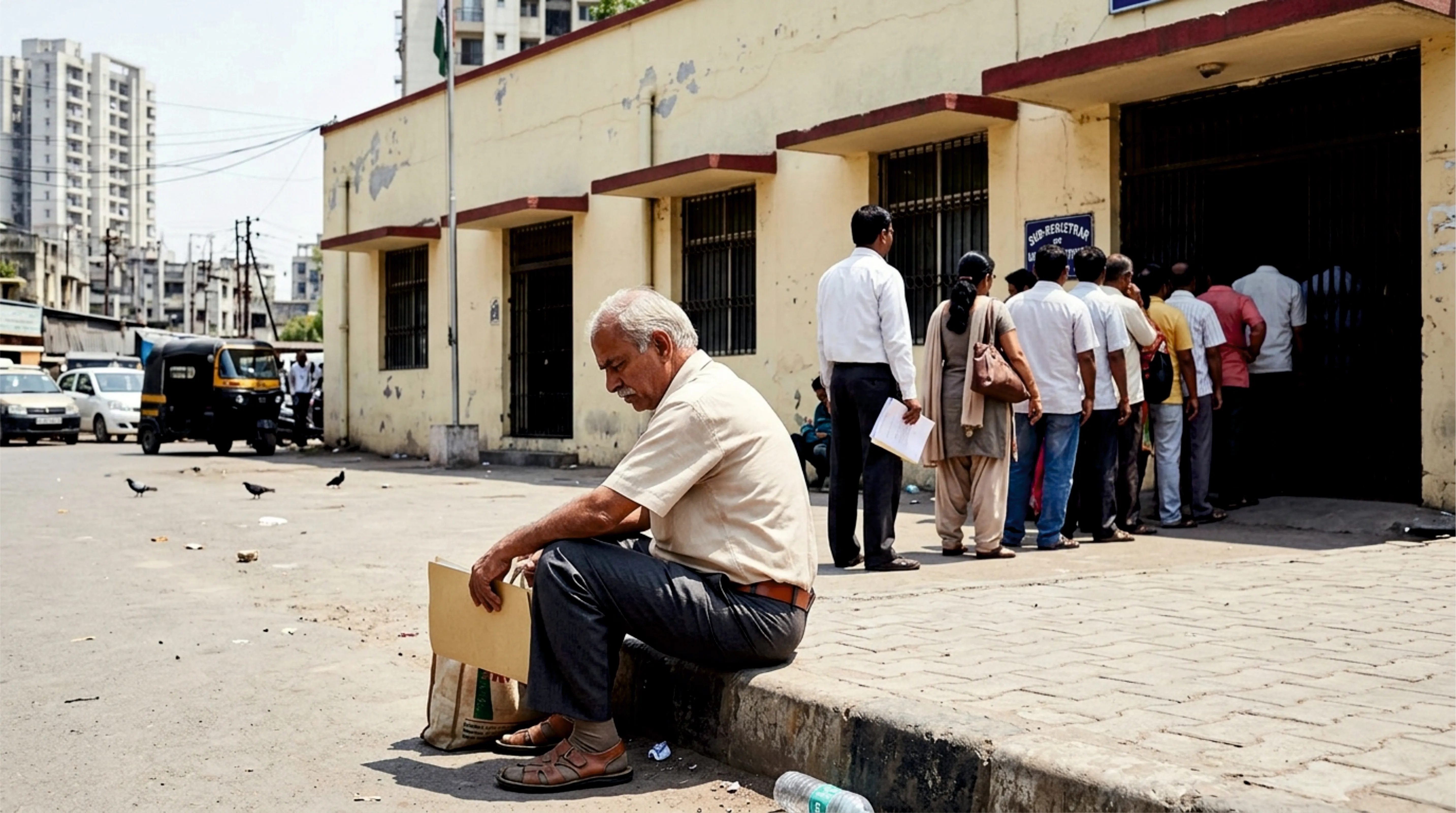
At a government counter
“You took a day off. The line started before you did.”
-
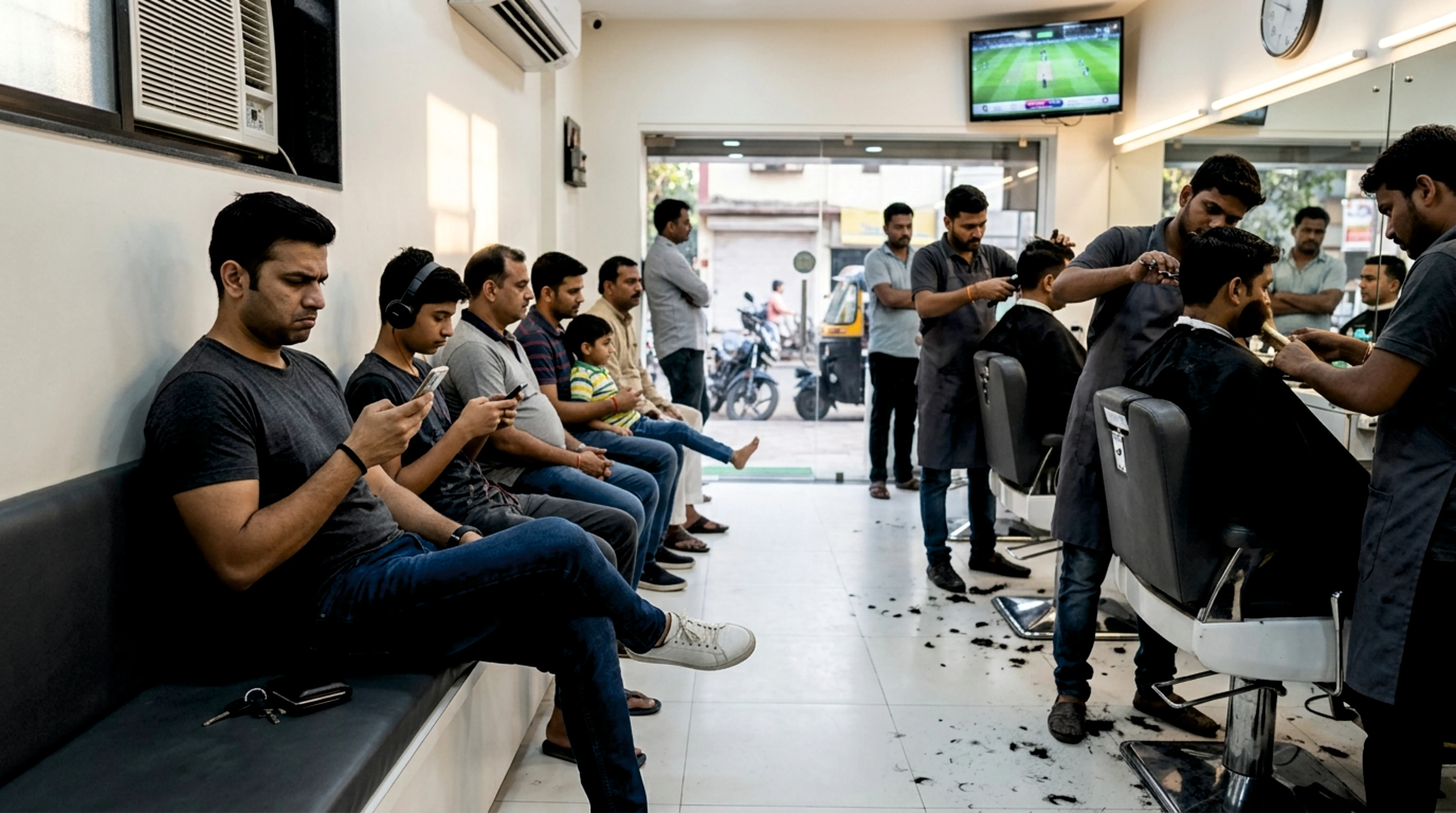
At the salon
“Three chairs. Twenty-one heads waiting. Your match starts at four.”
-
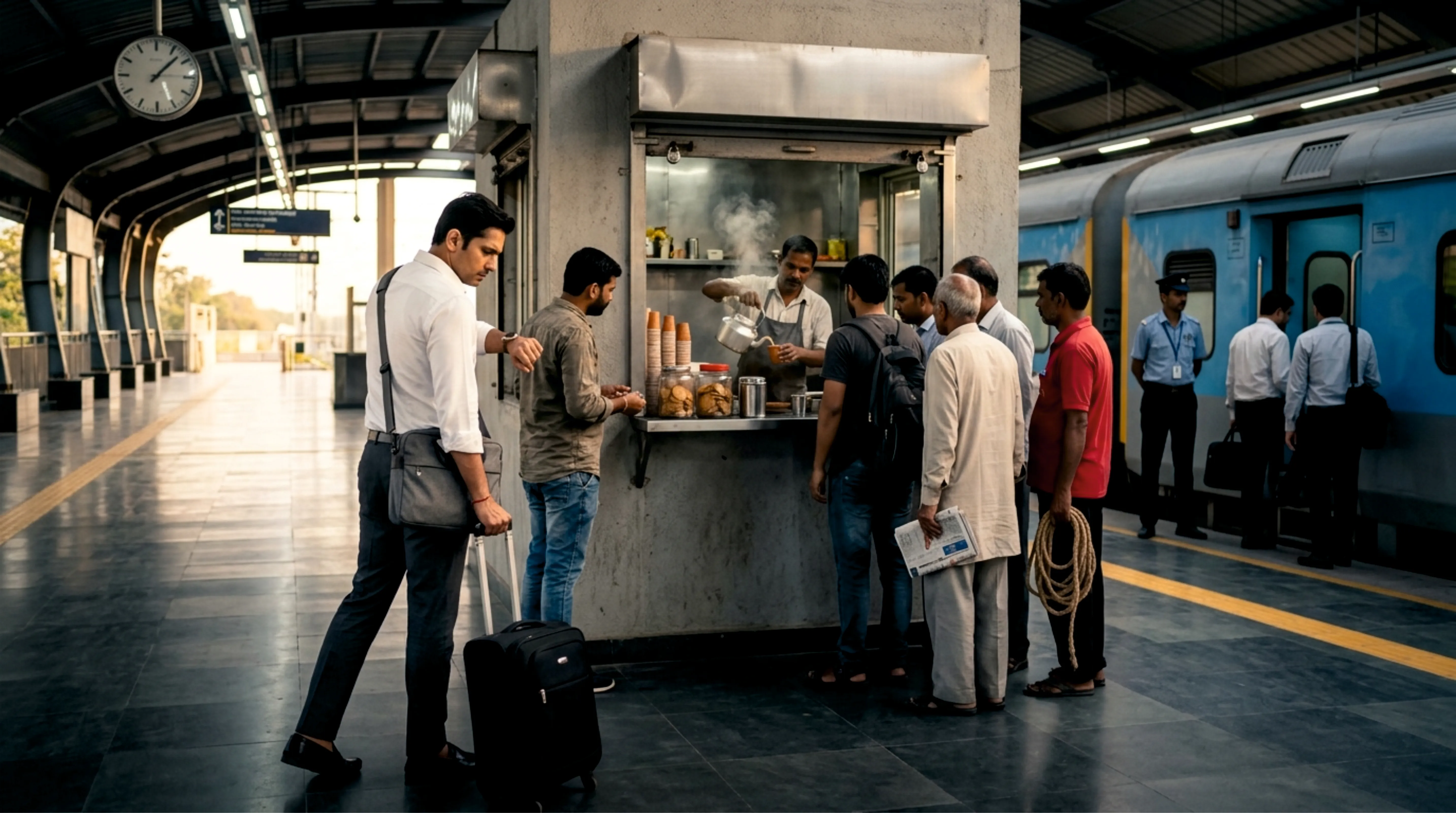
At the chai stall
“Your train in twelve minutes. The kettle boils for everyone.”
-

At the restaurant
“Sunday. One-fifteen p.m. The menu arrived with the apology.”
Every one of these has a queue. And dozens more you haven’t thought of — school fee counters, interview rooms, ration shops, passport appointments, vehicle registration. None of them has to have people standing in a line.
Don’t see a place you wish was on InTimeQ?
Tell us. We’ll reach out to them. If they join, we’ll email you. Every vendor we have onboarded to date came from a customer vouching for us.